

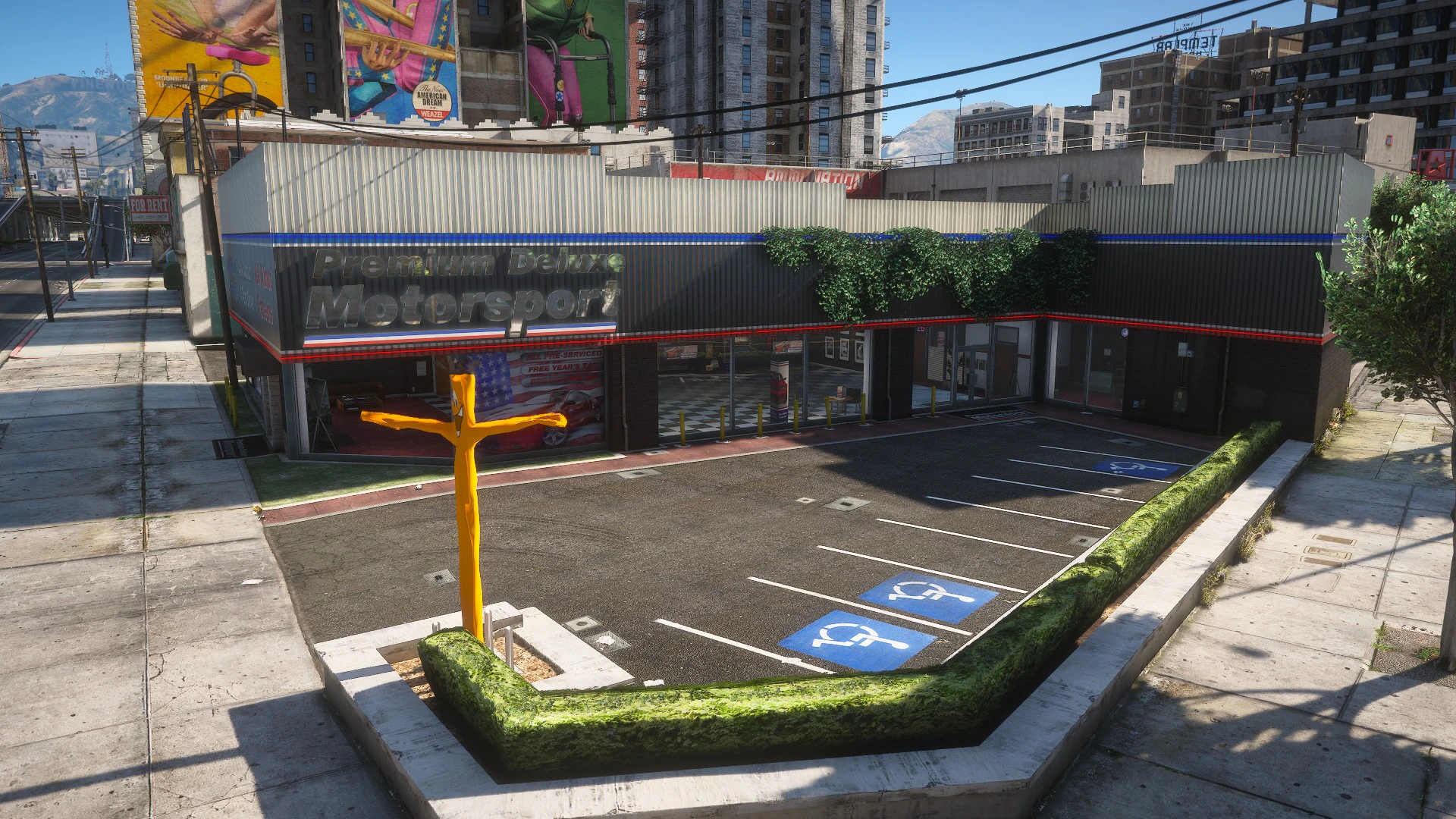
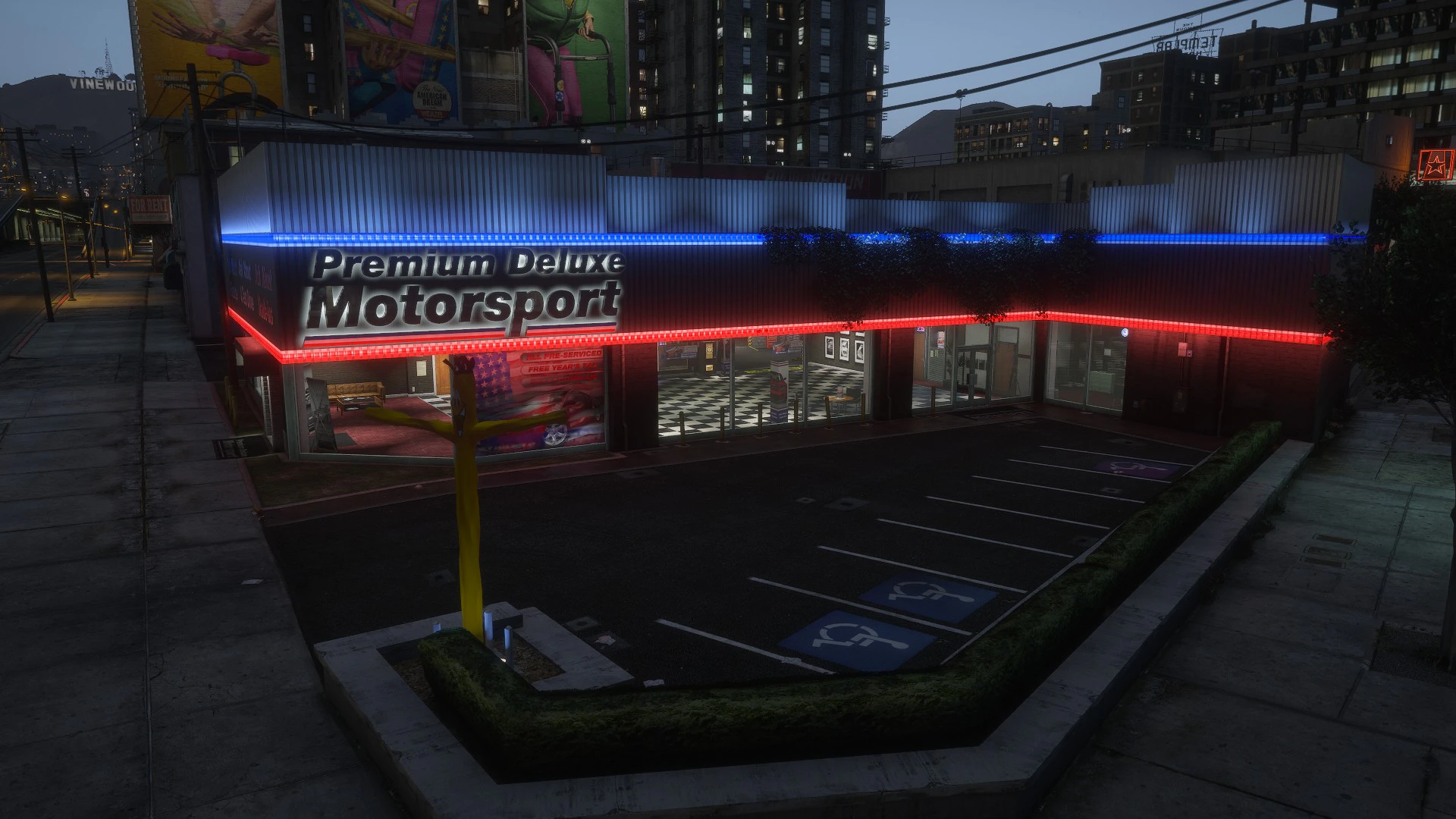
Getting There
The dealership is marked on your map with a D blip. Head there on foot or grab a taxi. Once you’re within range of the marker, use/buyvehicle to open the showroom.
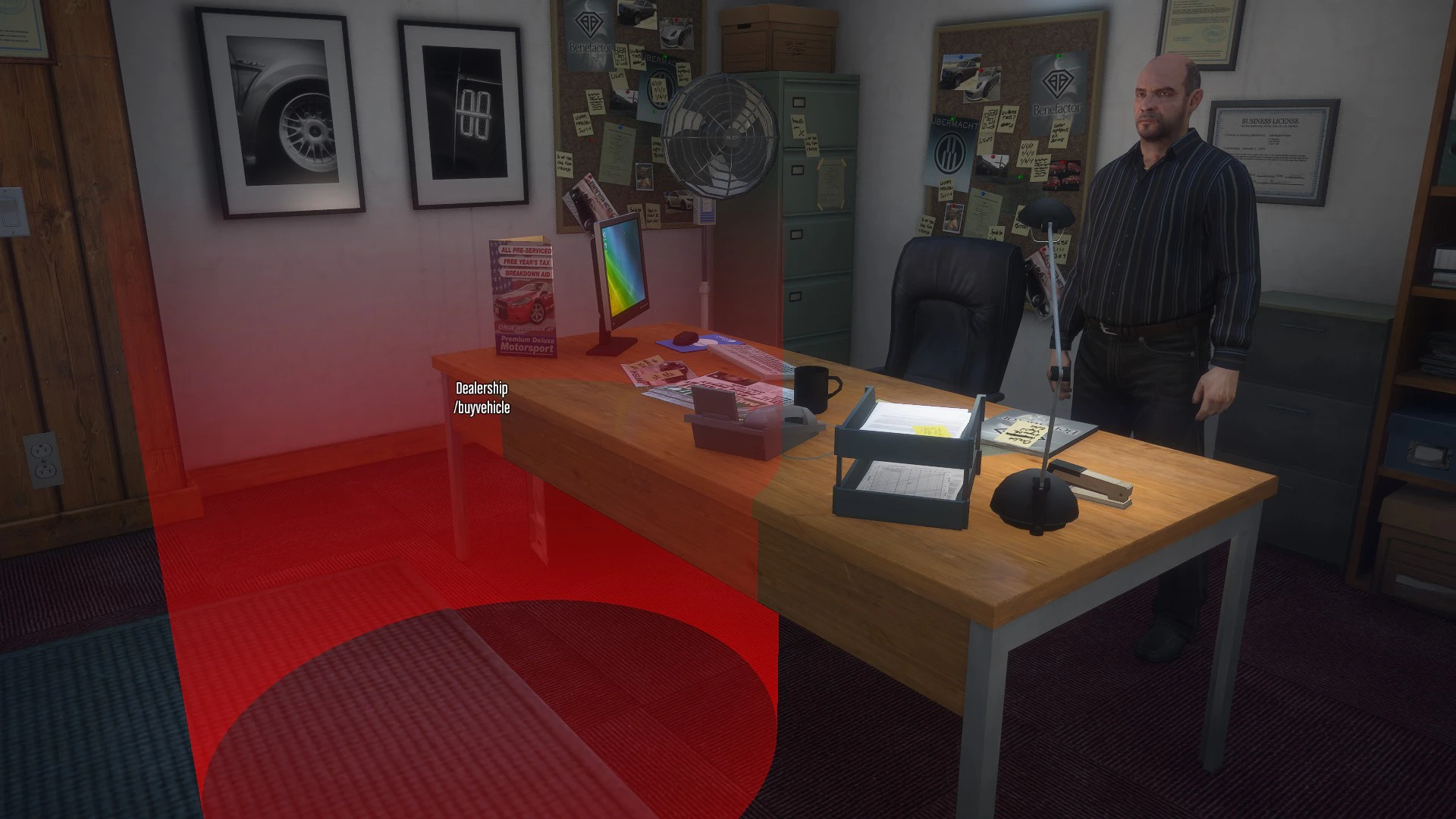
Browsing Vehicles
Inside the showroom you can browse the full vehicle catalogue. Use the left/right arrows to cycle through vehicles. You can also:- Filter by vehicle class (Sports, SUV, Muscle, etc.)
- Search by name
Buying
When you’ve found the vehicle you want:Choose a license plate
You can enter a custom plate (1-8 characters, A-Z / 0-9 / spaces / dashes) or leave it blank for a random one.
Choose a paint color
Pick a primary color from the GTA color palette. You can repaint it later at Los Santos Customs.
Things to Know Before You Buy
- You can own a maximum of 3 vehicles by default
- New vehicles start with 20L of fuel - head to a gas station before a long trip
- The sell-back price is 60% of what you paid - there’s no refund, so choose carefully
- Vehicles are tied to your account permanently until you sell them